

Remote working comes with many benefits for freelancers. The ability to choose your work setting and hours can help increase your client base. However, you may find cybersecurity difficult to maintain – especially if you often work on the move. Staying informed about cybersecurity and consistently applying best practice is your strongest defence.
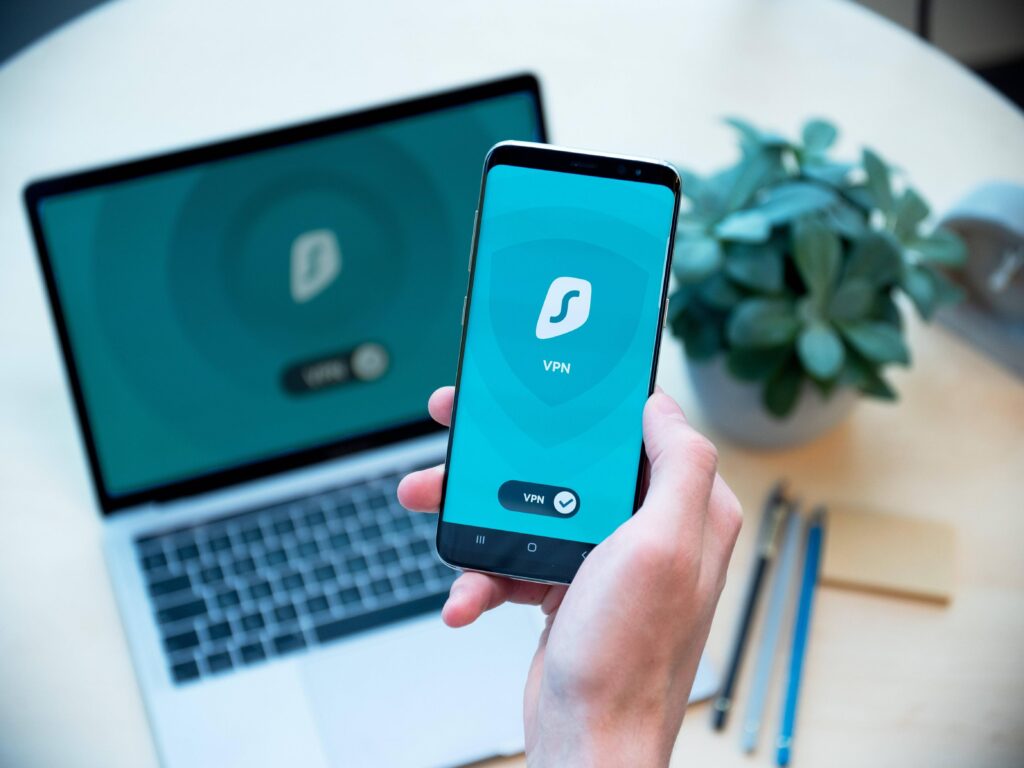
But there are tools that you can use to provide extra layers of security. Downloading a VPN is a good starting point. Although it’s not a silver bullet against would-be hackers, a VPN could help you in many ways.
What Is a VPN and How Does It Work?
A VPN uses private servers to create a secure connection between your device and the internet. Think of it as a tunnel between the two. Information passes through the tunnel and can’t be seen from the outside.
A VPN can mask your IP address, encrypt your data, and make it look like you’re browsing from another location. It keeps your online activity private and safe from hackers, trackers, or surveillance.
Protecting Client Data
Does your job involve handling sensitive data? It could be financial reports, intellectual property, or account details.
Records falling into the wrong hands could be costly for your client. It would also damage your reputation, potentially limiting your ability to win new business.
The protective features of a VPN mean you can send and share data securely. Remember to keep scams like phishing in mind. Are you sure you’re sending the right data to the right person? If that check is in place, a VPN will stop anyone from infiltrating the transfer.
Accessing Geo-Restricted Resources Securely
A VPN could expand your horizons as a freelancer. You may already work with clients from overseas but struggle to access relevant, yet geo-restricted, content.
Most VPNs allow you to toggle your settings so that your connection is listed as coming from another place. It offers security benefits as well as added practicality.
For example, a client in the United States needs you to work with a video that is geo-restricted. Setting your location to the USA means you can take down the information and then perform the required task.
Protecting Bandwidth and Preventing Throttling
Online tools for tasks such as video editing, conference calling, and file transfers can strain your network. This may be compounded by your internet service provider putting caps on your bandwidth. An unstable connection can increase your downtime and affect your ability to do your job.
Most ISPs will ‘throttle’ your bandwidth without telling you. However, a VPN can prevent them from doing so by not sharing the information ISPs require to carry it out.
Cybersecurity Is an Easy Win for Freelancers
Have you already got robust cyber protection processes in place? Shout loud and proud about it! Assuring clients that you’re protecting their data can help you secure repeat business. Advertising your online awareness may be a key USP as you seek an expanded client base in the future.