


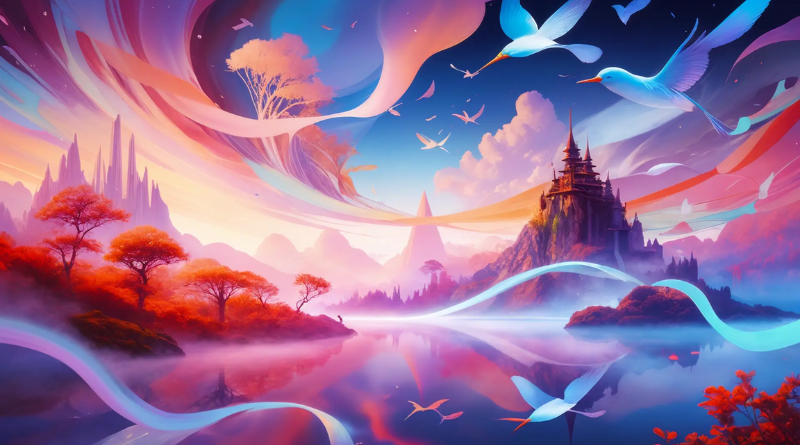
Every great fantasy story starts somewhere nobody’s ever actually been — a floating city, a forest where the trees whisper, a kingdom built on the side of a mountain. Building that world visually used to demand serious concept art skills or a budget for hiring one. Now, an AI image generator can take a fantasy concept straight out of your imagination and render it in full, richly detailed form.
Dreamina, powered by its most advanced image generation model, Seedream 5.0 Pro, has become a genuine favorite among worldbuilders, writers, and game designers for exactly this reason. It doesn’t just generate a pretty landscape; it interprets the internal logic of an imagined world and renders it convincingly. Let’s dig into how to actually build one.

Every world needs its own internal logic
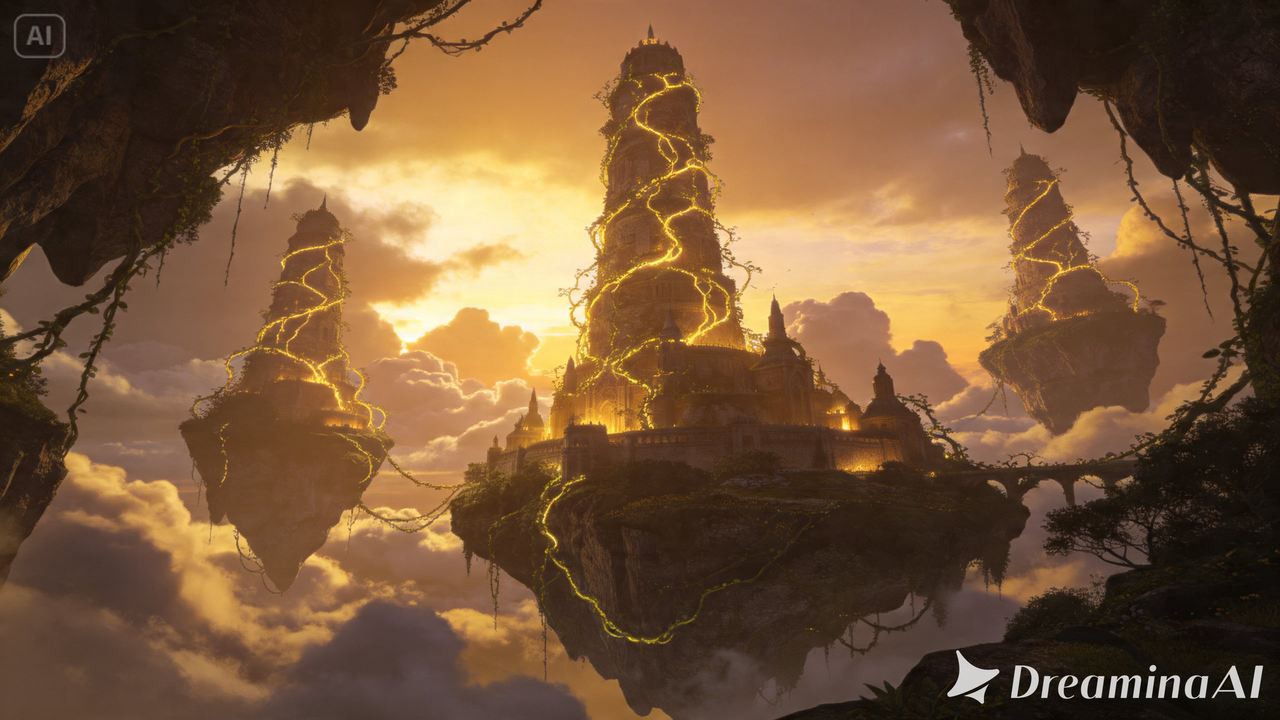
The fantasy worlds that feel genuinely immersive, rather than randomly assembled, tend to share one thing: consistent internal rules. Maybe magic manifests as visible light, so every magical element in your world should glow.
Maybe gravity works differently in certain zones, so architecture should reflect that. Deciding these rules before generating anything gives every image you create afterward a shared foundation, rather than a collection of unrelated fantastical images.
Choosing your world’s dominant biome and atmosphere
Fantasy worlds tend to draw their emotional identity from their environment as much as their characters. A few foundational directions to choose from:
-
Lush, overgrown forests with ancient ruins reclaimed by nature
-
Floating or sky-bound realms suspended above the clouds
-
Harsh, otherworldly deserts under strange-colored skies
-
Underground or subterranean kingdoms lit by bioluminescence
Picking one dominant environment as your anchor keeps a whole series of world-building images feeling like they belong to the same place.

Building believable fantasy architecture
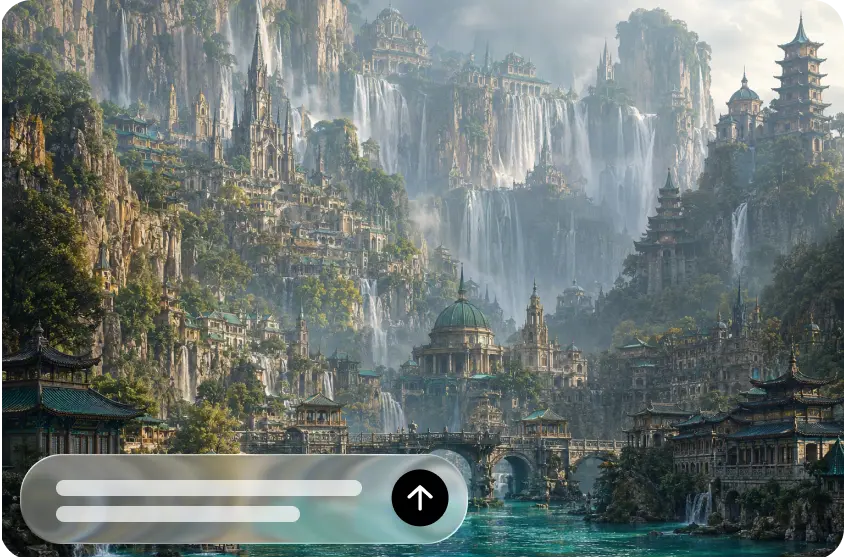
Structures within a fantasy world communicate culture and history almost as effectively as a character ever could.
-
Towering spires suggest a civilization obsessed with reaching toward the sky or the divine
-
Squat, heavily fortified stone suggests a history of conflict
-
Organic architecture, grown rather than built, suggests a culture deeply tied to nature or magic
Naming these architectural intentions directly in a prompt pushes results toward something with real narrative weight, not just generic fantasy scenery.
Meet Seedream 5.0 Pro: engineered for immersive detail
A handful of Seedream 5.0 Pro’s capabilities line up especially well with the demands of fantasy worldbuilding.
Deep reasoning generation for internal consistency
Fantasy worlds depend on internal logic holding together across a scene, and deep reasoning generation analyzes your prompt’s relationships and intent before producing an image, helping magical or architectural rules apply consistently rather than randomly.
Multi-layer visual control for expandable scenes
Multi-layer visual control separates subjects, backgrounds, and effects into independent components, making it easier to build out a world gradually, adjusting a character or a specific structure without redoing the entire landscape.
Pinpoint precision editing for narrative detail
With point selection, lasso, sketch guidance, and regional controls, pinpoint precision editing lets you refine a specific glowing rune, a texture on ancient stone, or any small detail that carries real narrative weight within the scene.
2K output for sweeping, detailed landscapes
Fantasy worlds often rely on scale and intricate detail to feel believable, and 2K output quality preserves fine texture and atmospheric depth even across a wide, complex composition.
Your 3-step world-building session with Dreamina
Once your world’s rules and atmosphere are decided, here’s exactly how to bring it into view.
Step 1: Write a text prompt and/or add reference image
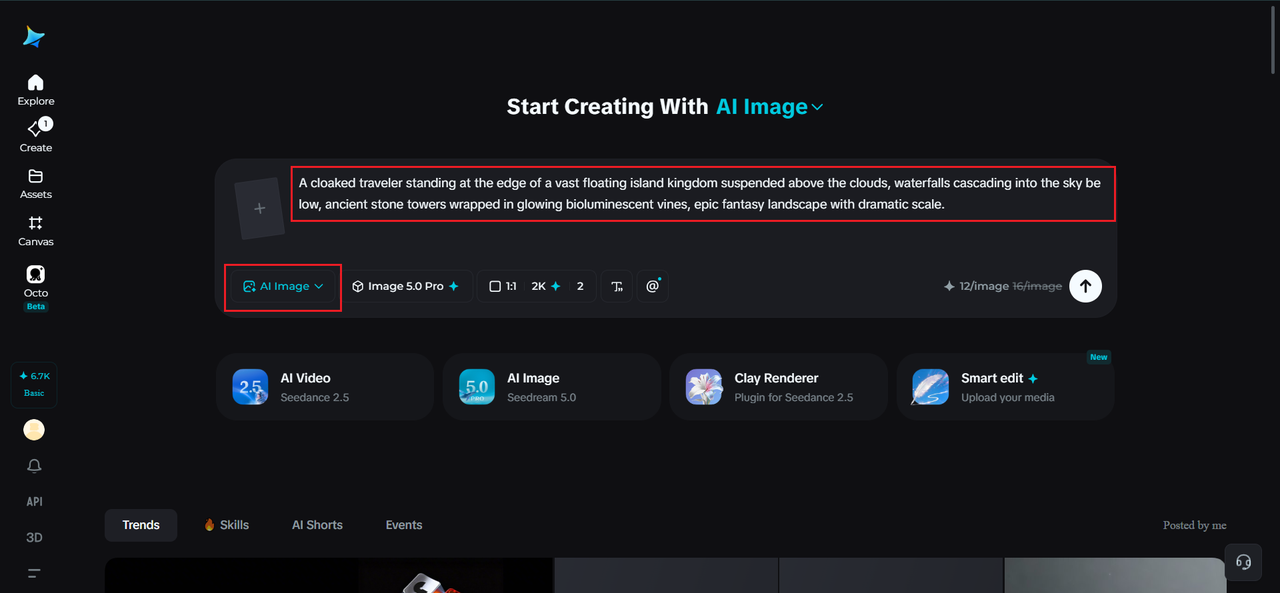
Navigate to Dreamina and write a detailed text prompt describing a character dressed appropriately for your fantasy world’s culture and setting, positioned within the broader landscape you’re imagining. If you have a reference image capturing a similar fantasy aesthetic, upload it to help anchor the style further.
A descriptive prompt: A cloaked traveler standing at the edge of a vast floating island kingdom suspended above the clouds, waterfalls cascading into the sky below, ancient stone towers wrapped in glowing bioluminescent vines, epic fantasy landscape with dramatic scale.
Including both a character and the environment together helps establish scale and atmosphere in a single image.

Step 2: Adjust parameters and generate
Before generating, set your parameters. Choose Image 5.0 Pro, powered by Seedream 5.0 Pro, as your model, then select your aspect ratio, image size, and resolution, using a wide landscape ratio for sweeping environmental shots and 2K resolution to preserve fine detail across a large, complex scene. Click Dreamina’s generate icon to bring your world into view.
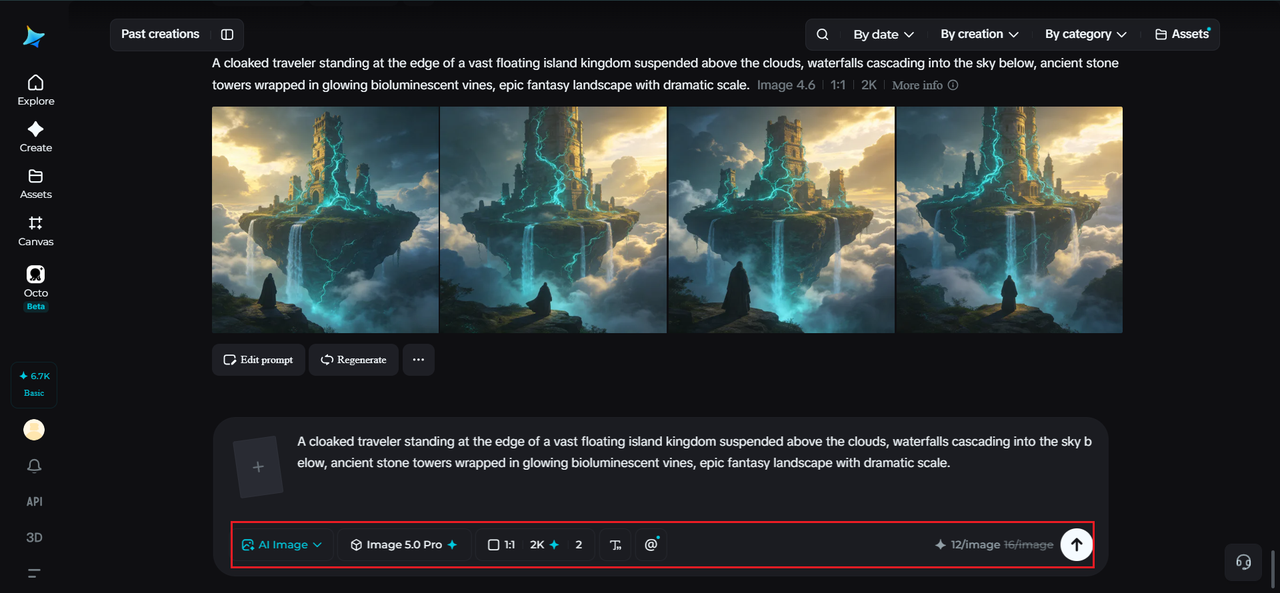
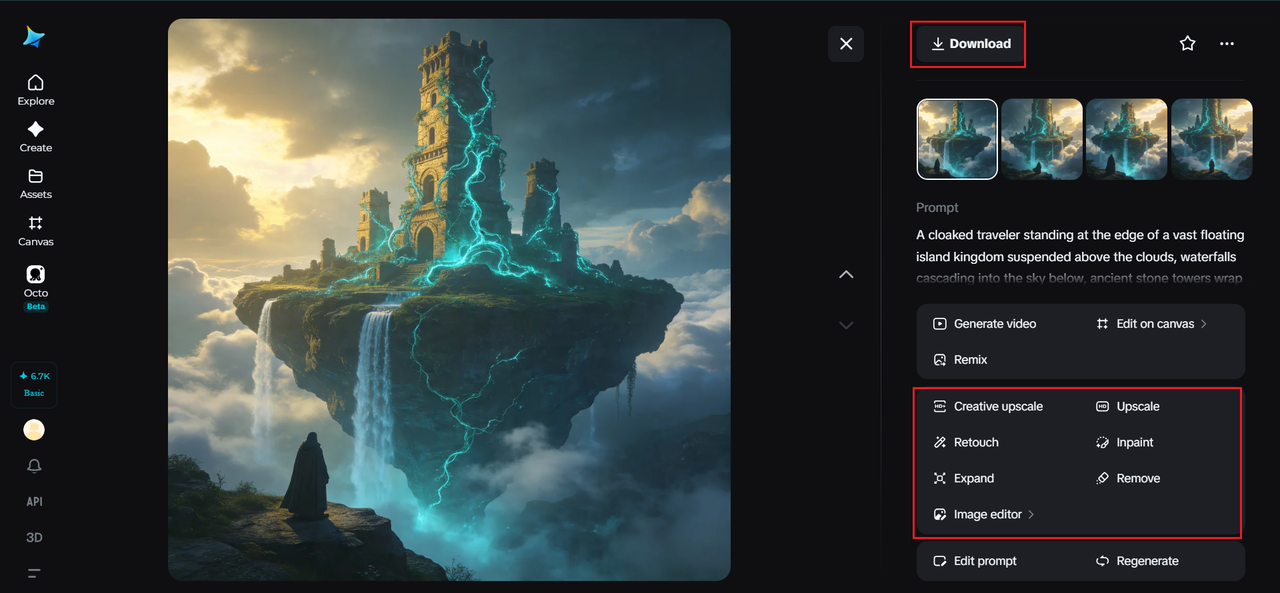
Step 3: Customize and download
Once your world generates, refine it using Dreamina’s AI customization tools — inpaint to adjust specific architectural or environmental details, expand to reveal more of the surrounding world, remove to eliminate anything that breaks your world’s internal logic, and retouch to sharpen atmospheric lighting and texture. When it feels genuinely immersive, click the Download icon to save it.
Populating your world with consistent inhabitants
A fantasy world starts to feel truly alive once it has recurring characters or creatures tied to its specific culture and environment. Keeping wardrobe, creature design, and color palettes consistent with the world’s established rules, rather than treating each character as a separate design exercise, reinforces the sense that everything belongs to one coherent place.
Expanding one world across multiple scenes
A single striking image is a great start, but a genuine fantasy world benefits from multiple angles and locations: a city square, a distant mountain view, an interior throne room. Reusing your established environmental rules, color palette, and architectural style across each new scene is what turns a handful of unrelated images into an actual explorable world.
Wrapping up
A fantasy world only exists as vividly as you can describe it, and the right AI image generator closes that gap between imagination and image remarkably well.
With Dreamina and its advanced Seedream 5.0 Pro model, the internal logic, atmosphere, and scale of an imagined world can be rendered with genuine narrative depth.
Establish your world’s rules first, then let Dreamina bring every corner of it into view!